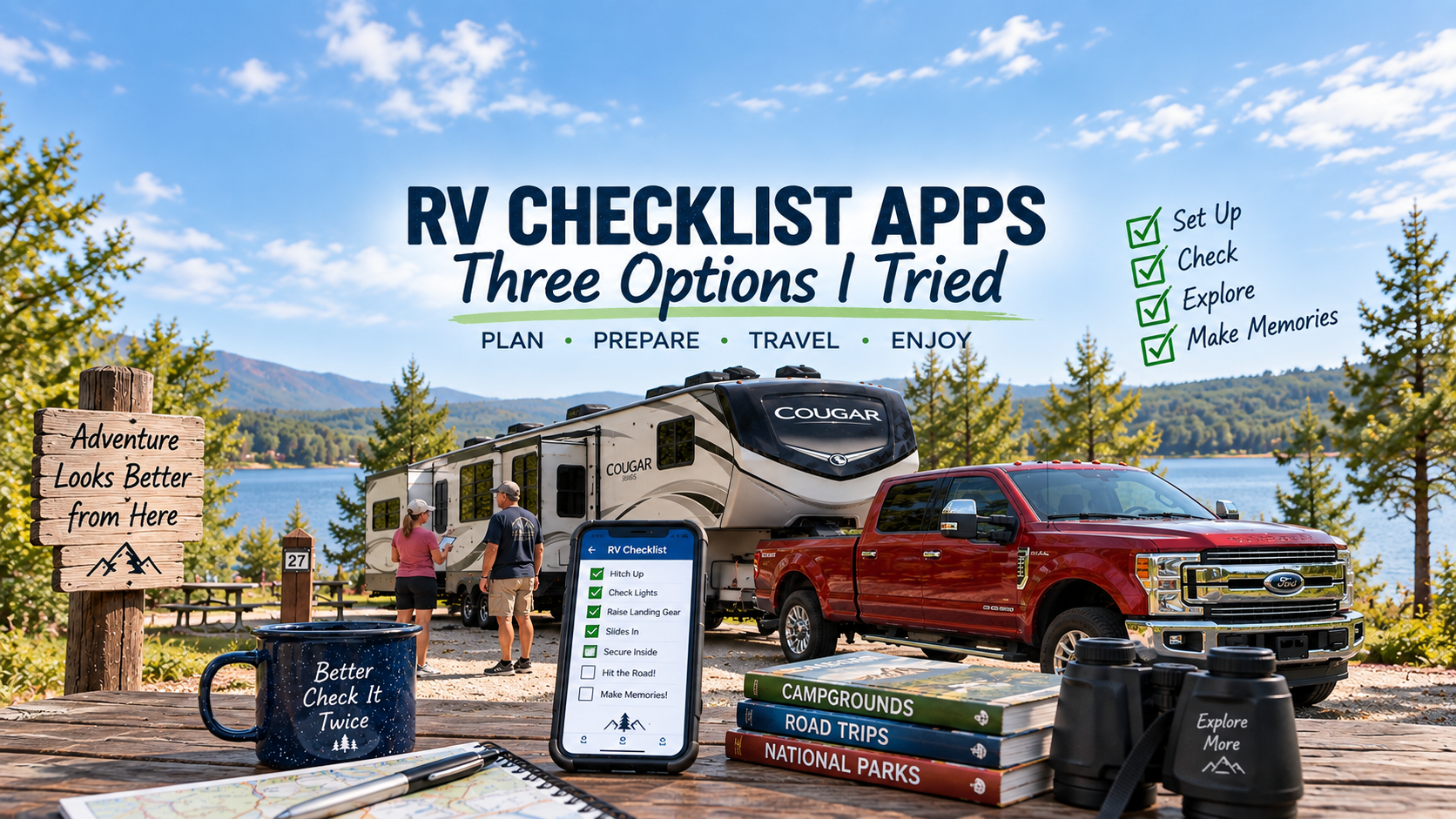
RV Checklist Apps: Three Options I Tried
In my last post, I talked about developing a routine for setting up and tearing down your RV. I also suggested that if you like using a checklist, you don’t necessarily need to pay for an app. You can create your own checklist in the Notes app on your phone and customize it specifically for your rig.
That got me wondering what the RV-specific checklist apps actually offer.
I downloaded three of them and spent some time setting them up and working through their features. I’m still testing them, and I plan to use them during our upcoming trip to see how well they work in the real world.
Here’s what I’ve found so far.
Ultimate RV Checklist
The basic checklists in Ultimate RV Checklist are free to use. The interface is simple, and the included lists seem very comprehensive.
The free version includes several useful checklists, including:
- Pre-trip
- Departure day inside the RV
- Departure day outside the RV
- Tow vehicle
Using the checklists is straightforward. When you complete an item and check it off, it turns green and moves to the bottom of the list under a Completed heading. I really like this feature because it keeps the remaining tasks together instead of making you scroll past things you’ve already done.
If you accidentally check something off, you can simply uncheck it.
It’s also very easy to customize the lists. You can add your own tasks, edit existing items or delete things that don’t apply to your RV.
The app also allows you to enter multiple RVs, which could be useful for someone who owns more than one rig.
Additional features are available with the paid version, including winterization, an MPG tracker, maintenance features and the ability to print or export lists. At the time I tested it, the upgrade was $1.99 per month or $17.99 per year.
Without having tested the paid features, I think the free version gives RVers a simple and useful set of checklists for traveling.
One limitation is availability. It appears to be available for iPhone and iPad, but not Android.
HitchReady
Of the three apps I’ve tried so far, HitchReady has impressed me the most.
The app is completely free. During my testing, I never encountered an upgrade screen, subscription request or advertising. I went to their website and confirmed that it is free to download and use.
Setup is simple, but it collects enough information about your RV to make the checklists more specific to your particular setup.
I found its checklists more detailed than those in Ultimate RV Checklist. Many items also include an explanation of what you should be checking. Holding your finger on an item brings up additional information, which could be particularly helpful for someone new to RVing.
The app includes four primary lists:
- Pre-Departure
- Hitch
- Unhitch
- In Transit
The In Transit section is something I particularly like. It includes things to check at fuel and rest stops as well as items to monitor while you’re traveling.
You can also add your own tasks to the various lists, and the app identifies some of the more critical tasks so they’re harder to overlook.
Another useful feature is the ability to enter your departure date. The app can then remind you a couple of days ahead of time to start working through your pre-departure items.
There is one thing I prefer about Ultimate RV Checklist. In HitchReady, when you check off an item, it is grayed out but remains in its original position. That means you still have to scroll through completed items to find what’s left. Ultimate RV Checklist moves completed items to the bottom, which I find easier to use.
Still, I like HitchReady a great deal. Its lists go into more detail, although you could certainly add similar items to Ultimate RV Checklist as you gain experience.
HitchReady is available for both iPhone and Android.
TripLatch RV Checklist
The third app I spent some time with was TripLatch RV Checklist.
TripLatch allows you to save information about your RV under Rig Specs. That’s a convenient place to keep important information, such as the height of your rig, where you can quickly reference it while traveling.
It also has more checklist modes than the other apps I tested:
- Depart Home
- Arrive Camp
- Leave Camp
- Return Home
- Storage
- Winterize
- Spring Startup
- Pre-Trip Packing
TripLatch also uses separate Driver and Partner lanes, assigning specific items to each person.
I understand the concept, particularly for couples who consistently divide their setup and teardown responsibilities. However, I’m not convinced it’s something Pat and I would use. Unless each person is working from their own phone, you would have to pass the phone back and forth. If we’re doing that, the other person could just as easily check off what they’ve completed on a common list.
The checklists themselves didn’t seem quite as comprehensive as HitchReady’s, but they covered the necessary tasks, and I didn’t notice any glaring omissions.
TripLatch offers a Pro version. At the time I looked at it, the pricing shown was $2.50 per month, $17.99 per year or $34.99 for lifetime access.
The Pro version adds features including:
- Unlimited checklist templates
- Unlimited trip history
- Migration assistance for old checklists
- Custom groups and subgroups
- Reference photos for checklist items
- Partner handoff and sharing
- Winterization and spring-startup packs
- Maintenance reminders
- PDF and sharing/export features
I particularly like the idea of reference photos. Being able to attach a photo showing how something should look when properly connected or stored could be useful, especially for a new RV owner.
Of the three apps, however, TripLatch took me the longest to get comfortable with. It wasn’t difficult to use, but it wasn’t quite as immediately intuitive as the other two.
During my testing of the version I used, I also didn’t find an obvious way to edit the existing lists or add new items. That’s something I want to investigate further before making a final judgment about the app.
TripLatch is available for both iPhone and Android.
My Impression So Far
After spending some time with all three, HitchReady is the one I’m leaning toward.
I like the detail in its checklists, the ability to set up information about your particular rig, the trip history and the In Transit checks. The fact that it is free and ad-free makes it even more attractive.
Ultimate RV Checklist is probably the simplest of the three to pick up and start using, and I really like the way completed tasks automatically move out of the way.
TripLatch offers some interesting additional features, particularly its different operating modes and reference photos, but I’m not yet convinced those extras would be important enough to me to justify paying for the Pro version.
But I’m not quite ready to declare a winner.
For a new or occasional RVer, I do think these checklist apps are a good tool to have in your toolbox. When you’re still learning your RV and everything that needs to be done, a checklist can help keep you on task and reduce the chances of overlooking something important.
There may also come a time when you’ve done these procedures enough that you don’t need to refer to a checklist very often. That’s where Pat and I are now. We have an established routine, we know what each of us is responsible for, and we double-check each other’s work. So part of my testing will be to see whether using an app actually improves our routine or simply adds another step to something that already works.
The real test will be our next trip.
I’m going to use these apps while we’re actually preparing the fifth wheel, hitching up, traveling, arriving at the campground and setting up. That’s when I’ll find out whether they make the process easier or whether I end up going back to the simple routine and checklist we’ve developed ourselves.
I’ll report back after we’ve put them to the test.
Update 10/2/26
We were unable to make our last trip of the season as planned. I came down with a cold or flu and was down for about three days. Thankfully, it hit before the trip rather than while we were on the road. Disappointing, to be sure, but life happens.
Since we weren’t able to test them on the road, my wife and I spent some time taking a closer look at the three checklist apps we had planned to use during the trip. Suffice it to say, if we were going to choose one, it would be Hitch Ready.
The other two apps had features we liked, but overall, Hitch Ready seemed easier to use and the process simply flowed better for us. We would have preferred to put all three through a real-world camping trip before making that decision, but based on what we were able to test at home, Hitch Ready was our clear preference.
We’ll have to see whether it becomes part of our routine next camping season. We live in Minnesota, and with no snowbirding plans this winter, our RV is parked for the season. Most of the campgrounds around here will be shutting down before the middle of October anyway.
If you’re looking for a checklist app to help with preparation, departure and returning home, we recommend giving Hitch Ready a try. If you do, we’d love to hear what you think of it.
Enjoy Rick's Ramblings?
If you found this post helpful or interesting, subscribe to receive an email when new posts are published.